Sale Ends Today! Get annual membership for only $59! You save: $176 ($235).


 English, Spanish, 4 more
French, German, Portuguese, Italian
English, Spanish, 4 more
French, German, Portuguese, Italian
 English, Spanish,
5 more
French, Italian, German, Portuguese, Turkish
English, Spanish,
5 more
French, Italian, German, Portuguese, Turkish
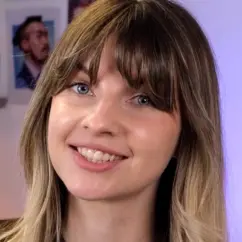
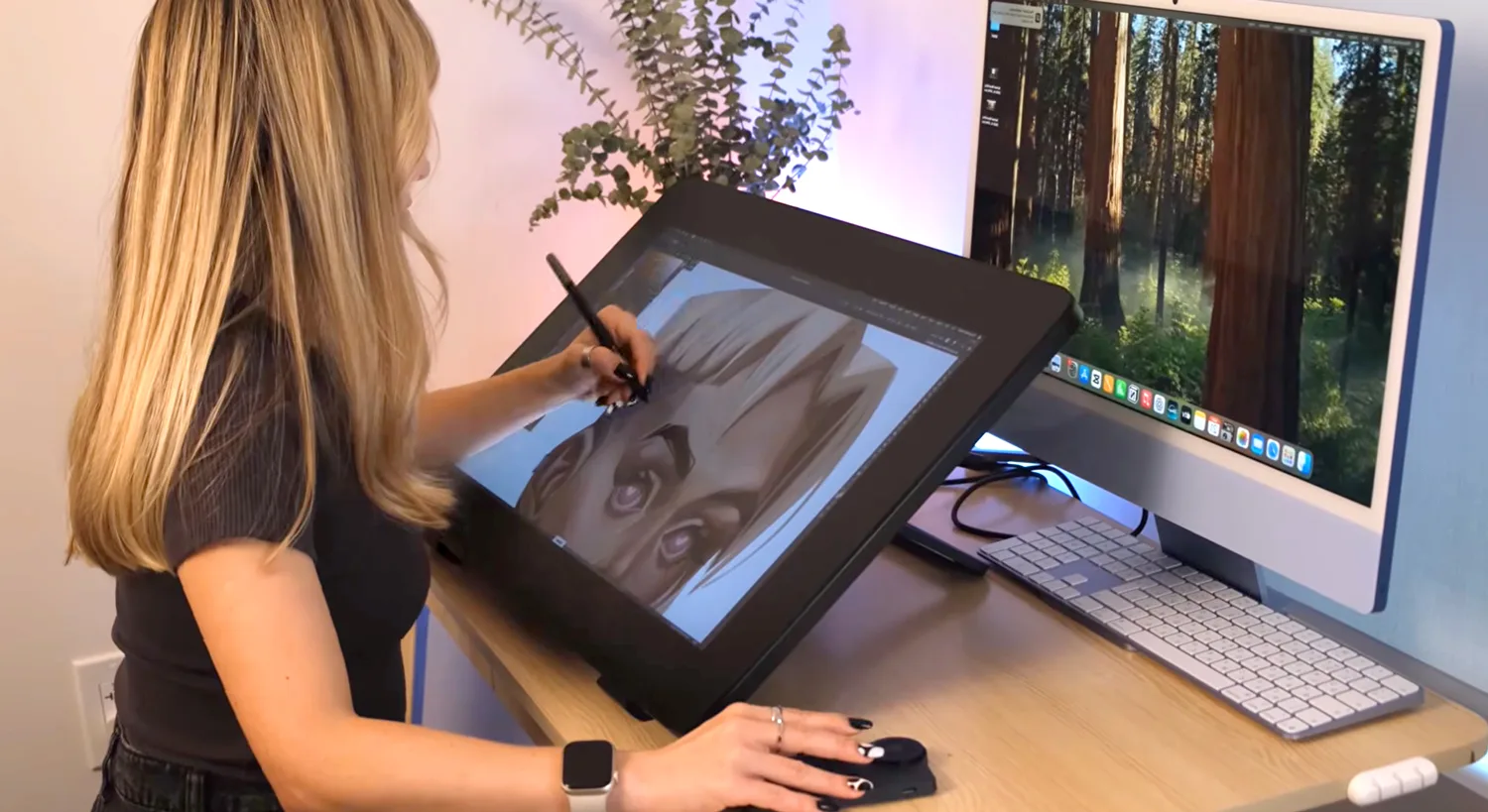
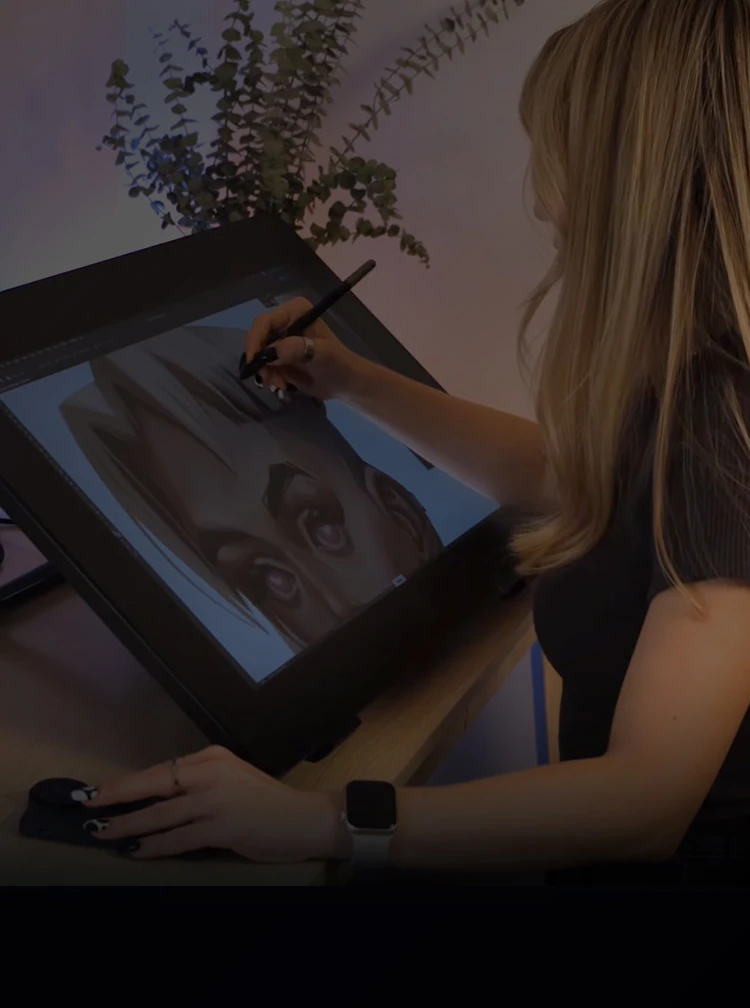
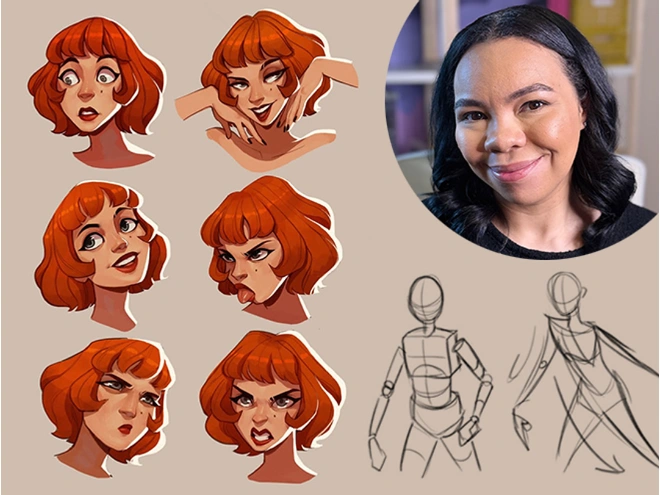
Marsa is a digital portrait artist known for stylized rendering and character illustration. She helps artists build realistic light, shadow, and color in their digital work.
 left at this price!Save 75%
 Cancel Anytime 30-Day Money-back Guarantee 30-Day Money-back Guarantee
English, Spanish , 4 more
Cancel Anytime 30-Day Money-back Guarantee 30-Day Money-back Guarantee
English, Spanish , 4 more  English, Spanish , 5 more
Understand how light and shadow work on any 3D formMaster a rendering workflow you can apply to any subjectBuild realistic volume using value, halftones, and reflected lightCreate shadows using blending mode in ProcreateApply color theory to your paintings for gorgeous resultsRender a variety texures including fabric, food, and skinUse the Smudge tool, Lasso tool, and Flat Brush for a polished lookDevelop your own rendering workflow to use in any projectAvoid common mistakes that make artwork look unfinishedPaint lips, a nose, and an eye with realistic skin tones and lighting
English, Spanish , 5 more
Understand how light and shadow work on any 3D formMaster a rendering workflow you can apply to any subjectBuild realistic volume using value, halftones, and reflected lightCreate shadows using blending mode in ProcreateApply color theory to your paintings for gorgeous resultsRender a variety texures including fabric, food, and skinUse the Smudge tool, Lasso tool, and Flat Brush for a polished lookDevelop your own rendering workflow to use in any projectAvoid common mistakes that make artwork look unfinishedPaint lips, a nose, and an eye with realistic skin tones and lightingYou have the idea, you can picture it clearly, but the moment you start rendering … it feels flat and wonky. No real depth or volume like you see in the work of artists you admire.
That’s not a talent problem. That’s a knowledge gap. And it’s exactly what this course is designed to fix!
Marsa, a digital artist specializing in 2D rendering, gives you her exact process: how to understand light, build form and volume, and use color so it actually works.
You’ll discover all the essential steps to transform a flat sketch into artwork that actually looks 3D. Through hands-on exercises, starting with basic spheres and cubes, you’ll not only build solid skills but also a real understanding of why each step is key. Everything you paint after this will click into place!
Then comes color. Marsa tackles it in a practical, no-fluff way, focusing on how hue, saturation, and temperature behave in light rather than on abstract theory. You’ll practice on an apple and a raw egg, two objects that turn out to teach you a surprising amount about how different surfaces catch and reflect light. (No two things catch the light the same way!)
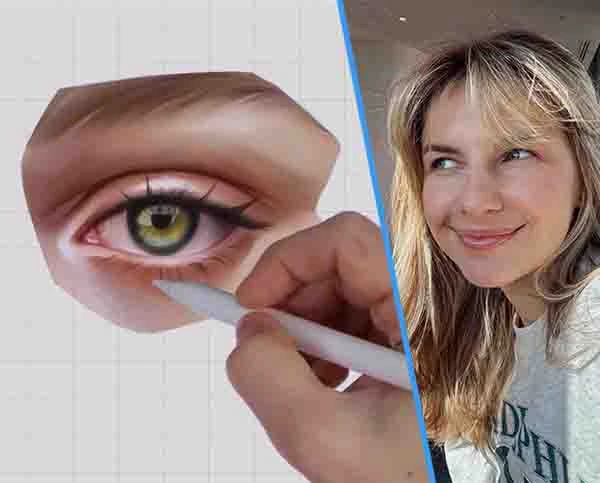
In the final stretch, you’ll apply everything to real parts of the face: lips, a nose, and an eye, complete with skin tones, color variation, and subtle details like freckles and reflected light. This is where everything you have learned stops being theory and starts feeling like your own.
By the end of the course, you’ll have a complete rendering workflow to carry into any project. More than that, you’ll understand exactly why your work looks the way it does, and what to change when something is not quite right.
Ready to finally make sense of light and color? Let’s go.
3+ Hours of on-demand videos 137 Reference images
 21 Cheat sheets/guides
 Layered Photoshop files7 Process images
 Downloadable brushes
 Certificate of Completion
Meet Marsa and get a clear overview of what the next 21 days will look like. She explains the course structure, walks you through the included brushes and sketch files, and sets up the right mindset for the journey ahead. You’ll know exactly what to expect and how to get the most out of every lesson.
These lessons are all about getting the fundamentals right. Marsa starts with a workspace setup and walks you through how light really works, covering everything from direct and diffuse light to highlights, halftones, and ambient occlusion. You’ll put it all into practice by rendering a sphere, a cube, and fabric folds, building the kind of solid foundation that makes everything else click.

Now it’s time to bring in color! Marsa introduces hue, saturation, and value in a practical way, with a strong focus on how color temperature affects your work. You’ll practice on an apple and a raw egg, two objects that teach you a lot about how different surfaces catch and reflect light, from glossy highlights to warm, subtle reflections.
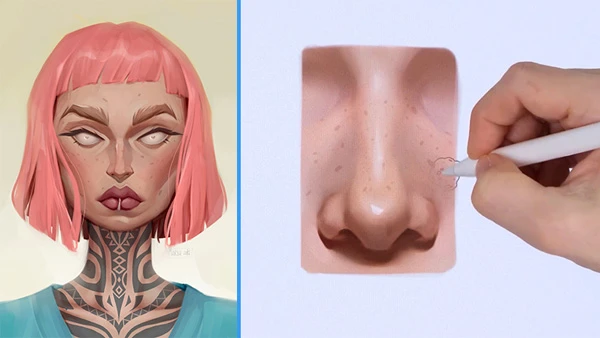
This is where everything comes together. Working through lips, a nose, and an eye, Marsa shows you how to apply all of your skills to real facial features, complete with skin tones, color variation, and subtle details like freckles and reflected light. By the final lesson, you’ll have a clear rendering workflow and the confidence to finish your own portraits.
Course rating
(Based on 33 reviews)
1 course
Marsa is a US-based digital artist known for her stylized portraits and characters with a distinctive approach to form and color.
Follow Marsa on




21 Draw is an online learning community where students of all skill levels can learn how to be a better artist. Our contributing artists and instructors are the best in the world.
Our streaming platform on www.21-draw.com makes it possible for anyone to watch hundreds of video lessons by industry legends who have worked for Disney, Marvel, DC, Dreamworks, Pixar & more. A membership gives full access to our streaming platform.
On books.21-draw.com you can buy our popular learn-to-draw ebooks and physical books, separate from the courses, and they too are also delivered to you by the heavyweights of the art industry.
Membership includes unlimited access to all 75+ courses taught by the world’s best artists PLUS new courses as they are released.
Each class includes 10-20 video lessons that are 7 minutes long on average. Most classes include exercise sheets, assignments, and layered PSD or PNG files.
Some classes include the ability to chat with the instructor in a public forum, e.g. if you want feedback on your artwork.
Yes! When you complete a 21 Draw course, you will receive a certificate of completion, which you can download and share with your friends, relatives, co-workers, and potential employers!
21 Draw courses are on-demand (pre-recorded) video tutorials that you can watch online with any digital devices anytime and for an unlimited number of times! This means you can easily watch (and rewatch) them at your own pace and convenience.
We have classes for all levels, even for those with zero drawing experience. In general, artists at all levels can benefit from these courses—whether beginner, intermediate or advanced.
Many lessons in our courses apply to both digital and traditional art. In a few tutorials, digital drawing software, e.g. Photoshop or Procreate for iPad is required. However, for the majority of lessons it is more about the underlying concepts and all that is needed is a pen and paper.
You can download the course resources (exercise sheets, assignments, PSD files, etc.) from the site, but you cannot download the video lessons to your computer.
Yes, have a look at our learning path here.
Normally it costs $235/year. However, there is a special sale running now for a limited time: Save 75%! This means you can get an annual membership for just $59 USD/year.
If you purchase the annual membership at a discounted price, it will remain at that price for each consecutive year, so long as your membership is not cancelled.
If for any reason at all you are unhappy with our courses or feel it isn’t what you are looking for—then just fill out this form or email us at [email protected]. We’ll be more than happy to give you a full refund within 30 days of your first purchase. No questions asked. Just a guarantee you can trust.
You can easily cancel your membership renewal on your My Account page. Follow the prompts to cancel (Billing > Change Plan > Cancel Membership) and your membership will immediately be terminated. Please note: Refunds ONLY possible within 30 days after the date of purchase.
If you have more questions, please check out our Knowledge base or write to us here. We’re happy to assist in any way we can!

 left at this price!Save 75%No commitmentsCancel Anytime30-Day Money-back Guarantee








 Gift Cards